What is Discord? A Comprehensive Introduction
Discord is a free instant messaging and Voice-over-IP (VoIP) communication platform designed to allow users to connect through voice calls, video calls, text messaging, and screen sharing within private or public communities called "servers". Launched with a mission to bridge communication gaps for online gamers, Discord has evolved into an essential digital third place for educational groups, startups, content creators, and hobbyists worldwide.
By shifting away from linear chat models, Discord offers a modular, server-based infrastructure that handles high-volume communication with remarkable efficiency and low latency. In this definitive guide by MIUMIU, we will delve into Discord’s rich history, advanced technical architecture, core features, and the realities of server growth and community management.
The History of Discord: From a Commercial Pivot to Global Dominance
Discord’s origin story is a classic tale of a tech industry pivot, showcasing how solving a genuine, firsthand problem can create a product used by hundreds of millions of people.
The Founders and the Spark of Innovation
Discord was founded in San Francisco in 2015 by Jason Citron and Stanislav Vishnevskiy. Citron, a veteran game developer, had previously sold his mobile social gaming network, OpenFeint, to GREE for 104 million USD in 2011. He then established Hammer & Chisel, a game studio aiming to develop high-quality, multiplayer games for mobile devices. Their flagship title, a multiplayer online battle arena (MOBA) game named Fates Forever, launched in 2014.
While Fates Forever won critical praise, it struggled to achieve commercial success. However, during development, Citron and Vishnevskiy encountered a persistent challenge: the existing voice communication tools of the time, such as Skype and TeamSpeak, were resource-heavy, plagued by high latency, or required complex server IP configurations. This frustration led them to put game development on hold and focus entirely on building a streamlined, user-friendly VoIP solution.
The Early Years and Rapid Expansion
On May 13, 2015, Discord officially launched to the public. Growth was driven entirely by word-of-mouth among competitive gamers and online subreddits. Players fell in love with its sleek interface, crystal-clear audio, and low system resource footprint.
In 2016, Discord launched its official API, paving the way for developers to build custom bots. This transformed Discord from a simple chat client into a highly customizable platform. In 2017, the company introduced Discord Nitro, its signature subscription model, allowing users to support the platform without relying on invasive banner advertisements. Later that year, native video calling and screensharing were integrated into the app.
The 2020 Pivot: Your Place to Talk
As the COVID-19 pandemic swept the globe in early 2020, communities worldwide searched for digital spaces to assemble. Recognizing that teachers, study groups, book clubs, and local businesses were flocking to the app, Discord executed a massive rebranding campaign. In March 2020, the platform changed its official tagline from "Chat for Gamers" to "Your Place to Talk," updating its homepage, user onboarding, and language to become welcoming to non-gaming audiences.
Independence, Strategic Acquisitions, and Market Valuation
By 2021, Discord’s massive cultural footprints made it a primary target for tech giants. In April 2021, Microsoft entered talks to acquire Discord for an estimated 12 billion USD. Ultimately, the parent company, Discord Inc., declined the offer, choosing to remain independent and plan for an eventual initial public offering (IPO).
To bolster its technical foundation and security, Discord acquired several notable companies:
- Sentropy (July 2021): An AI-driven company specialized in tracking and mitigating online harassment, significantly boosting Discord’s Trust & Safety operations.
- Ubiquity6 (June 2021): A platform dedicated to creating shared multiplayer AR experiences.
- Gas (January 2023): A popular anonymous polling app designed for teenagers, driving deeper engagement among younger cohorts.
Today, Discord operates as an independent powerhouse with over 200 million monthly active users, remaining one of the most successful private enterprises in modern technology.
Under the Hood: The Technical Architecture of Discord
Discord’s performance and stability under massive concurrent loads are the results of highly optimized infrastructure choices:
- WebRTC & Opus: For all real-time voice and video, Discord implements WebRTC, enabling lightning-fast data transfer. The Opus codec ensures audio signals remain rich and dynamic, even on slower network connections.
- Elixir & the BEAM VM: Discord's chat routing and gateway services are written in Elixir. Utilizing the Erlang VM, the system easily maintains millions of concurrent WebSocket connections with minimal resource usage.
- The Transition to Rust: For critical, high-load systems (such as read states), Discord famously replaced its Go codebases with Rust. This eliminated the garbage-collection pauses inherent in Go, stabilizing latencies across the globe.
- Electron and React Native: The desktop client runs on Electron, while mobile apps are built using React Native, allowing rapid, unified feature rollouts.
The Core Ecosystem: How Discord Functions
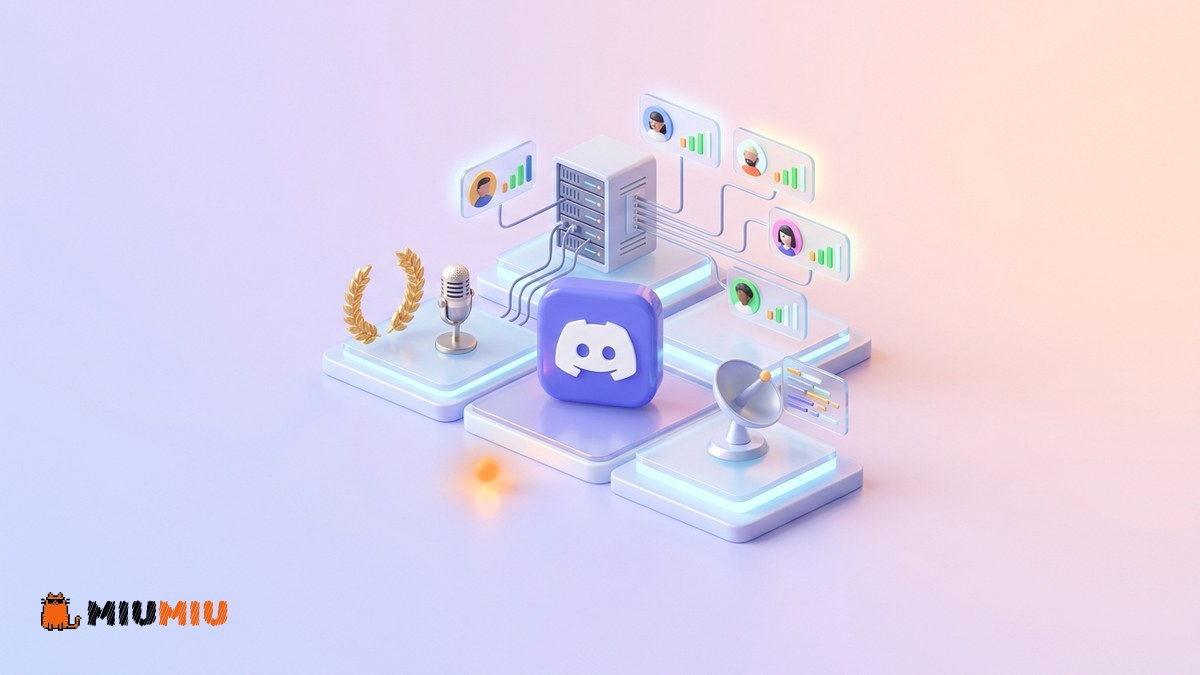
At its core, Discord operates through a hierarchical, modular system of interconnected elements:
1. Servers
Servers are individual community spaces, accessible via invitation links. A single server can support hundreds of thousands of members, categorized into specialized areas.
2. Channels
Channels divide a server into distinct conversational threads:
- Text Channels: For exchanging messages, sharing media, and utilizing custom emojis.
- Voice Channels: Always-on voice lobbies. Users join simply by clicking, eliminating the need to wait for a call to connect.
- Stage Channels: Designed for hosted events, where designated speakers present while audiences listen, similar to a digital town hall.
3. Bots
Bots are automated applications that add immense functionality to a server. Examples include Carl-bot or Dyno for moderation, and customized utility bots that can read game states or distribute automated welcome messages.
4. Discord Nitro
A voluntary monthly subscription that provides premium perks, such as larger file upload limits, high-definition streaming, and universal access to custom emojis across different servers.
Who is Discord For?
While originating in gaming, Discord’s demographic reach has expanded rapidly:
- Competitive & Casual Gamers: For high-performance communication during squad-based gameplay.
- Content Creators: For constructing dedicated, private hubs to interact directly with their fans. Many creators link their Discord to platforms like YouTube; for a deeper dive into modern creator ecosystems, read our Complete Guide to YouTube.
- Educators and Professionals: For organizing digital classrooms, sharing technical code snippets, and hosting community study sessions.
Platform Comparison: Discord vs. Competitors
Understanding where Discord fits in the social media ecosystem requires a direct comparison with other leading networks. To explore these platforms further, check out our Comprehensive Guide to Telegram and our Ultimate Guide to X (Twitter).
| Feature | Discord | Telegram | X (Twitter) |
|---|---|---|---|
| Structural Layout | Modular servers with sub-channels | Linear private chats, groups, and channels | Public microblogging and Spaces |
| Voice Quality | Excellent (Dedicated WebRTC infrastructure) | Good (Standard VoIP calls) | Average (Limited to Spaces audio) |
| Community Management | Outstanding (Advanced role permissions & bots) | Moderate (Linear chat feeds can become chaotic) | Weak (Primarily open, public interactions) |
| Monetization Model | Optional subscriptions (Nitro) & custom quests | Premium subscriptions, ad platform, TON integration | Premium subscriptions & direct advertising |
Managing Risks and Organic Growth on Discord
Building a successful Discord server takes time and strategic planning. A common challenge for many server administrators is building initial social proof to make the community look established and inviting.
If you choose to boost your server's visibility, MIUMIU offers specialized services such as Discord Members. However, our dedication to complete honesty and transparency is what sets MIUMIU apart: this service is delivered with NO refill (refill: NO) and NO cancellation (cancel: NO). Because Discord utilizes automated algorithms to identify and remove inactive accounts, drops can and do occur over time. There are no guarantees of permanent retention, and we strongly recommend utilizing these services only as an initial booster to complement your long-term organic growth strategy.
For sustainable, long-term organic server growth, focus on these essential strategies:
- Define Your Server’s Identity: Ensure your rules, welcome channels, and core topics are fully configured before inviting members.
- Gamify Participation: Use level-tracking bots (like Arcane) to reward active conversationalists with custom roles, aesthetic perks, or exclusive channel access.
- Cross-Promote on Social Media: Use your existing audience on platforms like Instagram to drive traffic. Learn how to optimize your social reach in our Comprehensive Guide to Instagram.
- Host Regular Live Events: Scheduling voice-channel activities, Q&A sessions, or tournaments creates a strong sense of community and keeps users coming back.
The Golden Checklist for a Professional Discord Server
- Establish a read-only Rules channel that all new arrivals must view.
- Configure Dyno or Carl-bot to handle basic auto-moderation and anti-spam protocols.
- Enforce Two-Factor Authentication (2FA) for all moderator and admin accounts to prevent hijacking.
- Set up custom roles with distinct colors to clearly define your community hierarchy.
- Organize channels into neat Categories to keep the layout clean and easy to navigate.
Frequently asked questions
Is Discord completely free to use?
Yes. Creating servers, participating in text chats, and joining voice or video calls are completely free. Discord Nitro is an entirely optional subscription that unlocks purely cosmetic customization options and larger file uploads.
How do I keep my Discord server secure?
Ensure that all moderators have Two-Factor Authentication (2FA) active, configure auto-moderation bots to screen for malicious links, and never click on unsolicited web links sent via direct messages (DMs).
Why do purchased Discord members drop?
Discord constantly updates its anti-spam algorithms to wipe out inactive or automated user accounts. At MIUMIU, we remain fully transparent: our Discord Members service comes with NO refill (refill: NO) and NO cancellation (cancel: NO), as platform security updates are completely outside of our control.
Sources & references

Writer, Content Team
I write for the MIUMIU content team, and I'm mostly heads-down on the stuff pages actually get stuck on: reach drops, shadowbans, and troubleshooting. I go for fixes you can apply right away, not vague theory.